Cloud PDM Features Built for Engineering Teams
Manage, share and collaborate on CAD and engineering documents in the cloud.
Using Dropbox to Store and Share Your Engineering Files?
Kenesto is built specifically for engineering teams. Store, share and collaborate on CAD and other engineering documents in the cloud, with the file locking, version control and document management that general-purpose cloud storage doesn’t provide.


Cloud-to-Desktop CAD File Synchronization
Always work with the latest version of your documents, wherever you access them.
Desktop-to-Cloud File Synchronization
Kenesto Drive keeps documents synchronized between your local desktop and the Kenesto Cloud. Work offline when needed, then automatically synchronize changes when you reconnect. Kenesto Drive maintains file security, automatic version management, vaulting and file locking, so your team always works with the latest version. When a shared file is being edited, other users can open it in read-only mode, preventing accidental overwrites and making collaboration easier.

Works with most engineering design formats
Kenesto supports SolidWorks, Solid Edge, SpaceClaim, CATIA and more than 250 file formats.
Document Management
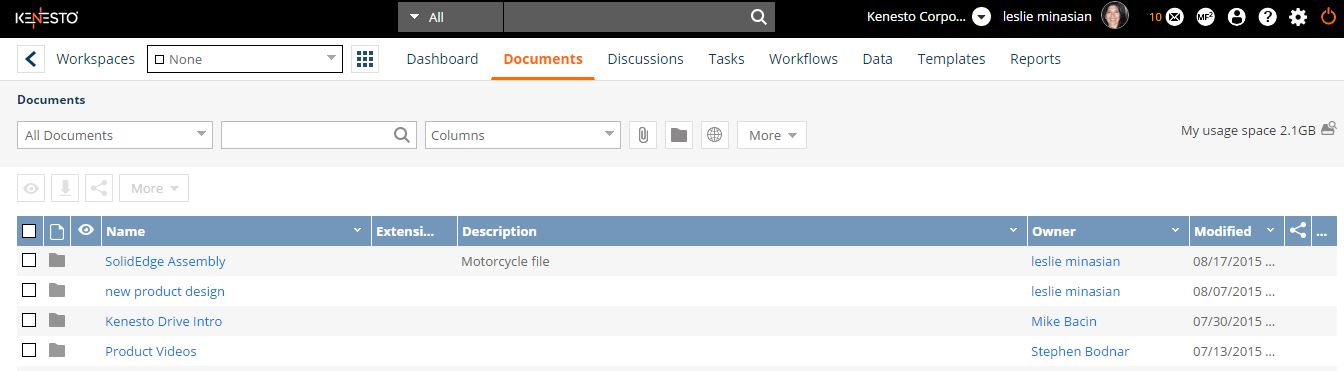
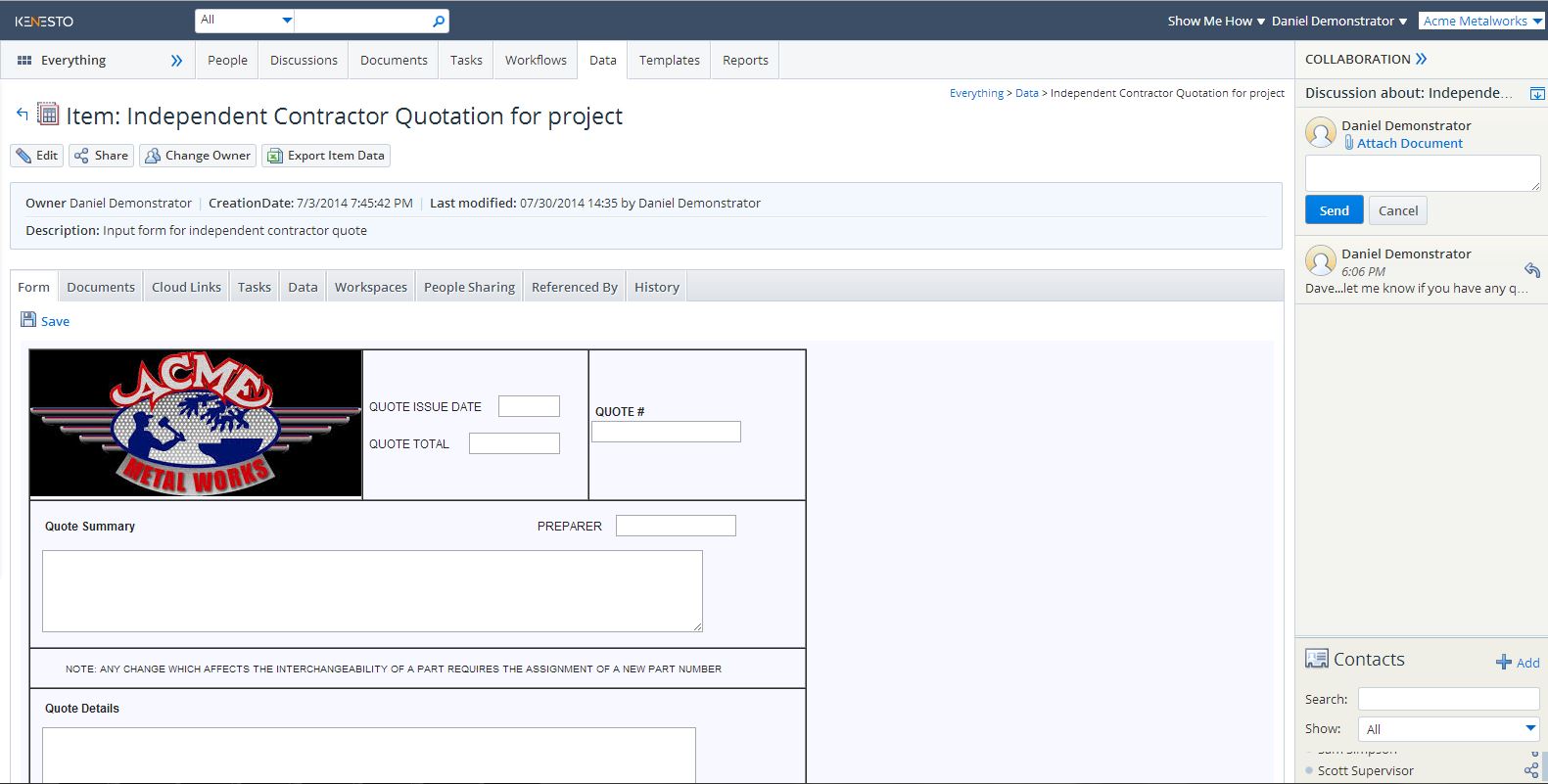
Upload, manage, modify, version, share and collaborate on CAD models, Microsoft Office documents, marketing collateral and other engineering files. Attach documents and discussions to tasks and workflows, with customizable forms and data types.
These capabilities provide the core document management functions of a modern cloud PDM system.
Additional features:
Freeze a document: Finalize a document upon project completion. It will protect the document from any further updates. Your production file is secure.
Vault: A vault folder behaves like a secure document library, allowing controlled check-in and check-out of documents. The document status is visible to everyone it has been shared with, helping prevent conflicting changes and accidental overwrites.

CAD Document Version Control
Keep every CAD document on the latest version without changing filenames.
Document Version Control
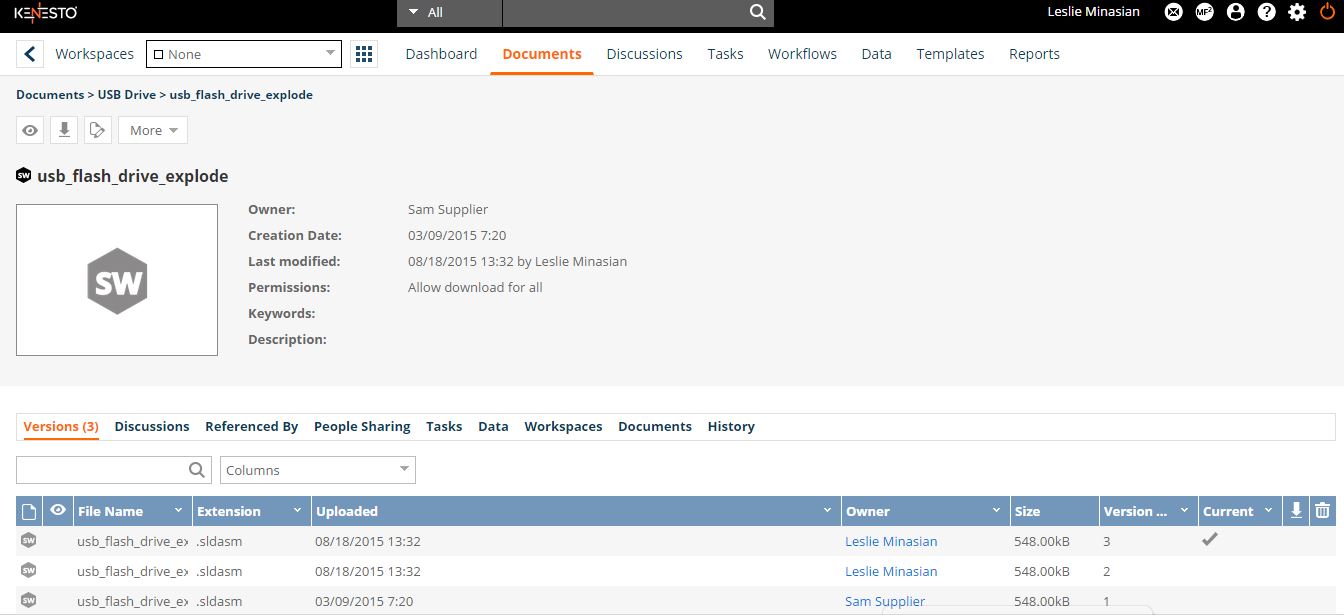
Kenesto automatically manages document versions so your team always works with the current version. Check-in/check-out and automatic file locking help prevent overwrites and missed edits, while version history lets you access previous versions when needed. File names remain unchanged as new versions are created.

Browser based viewing 2D documents 3D CAD files
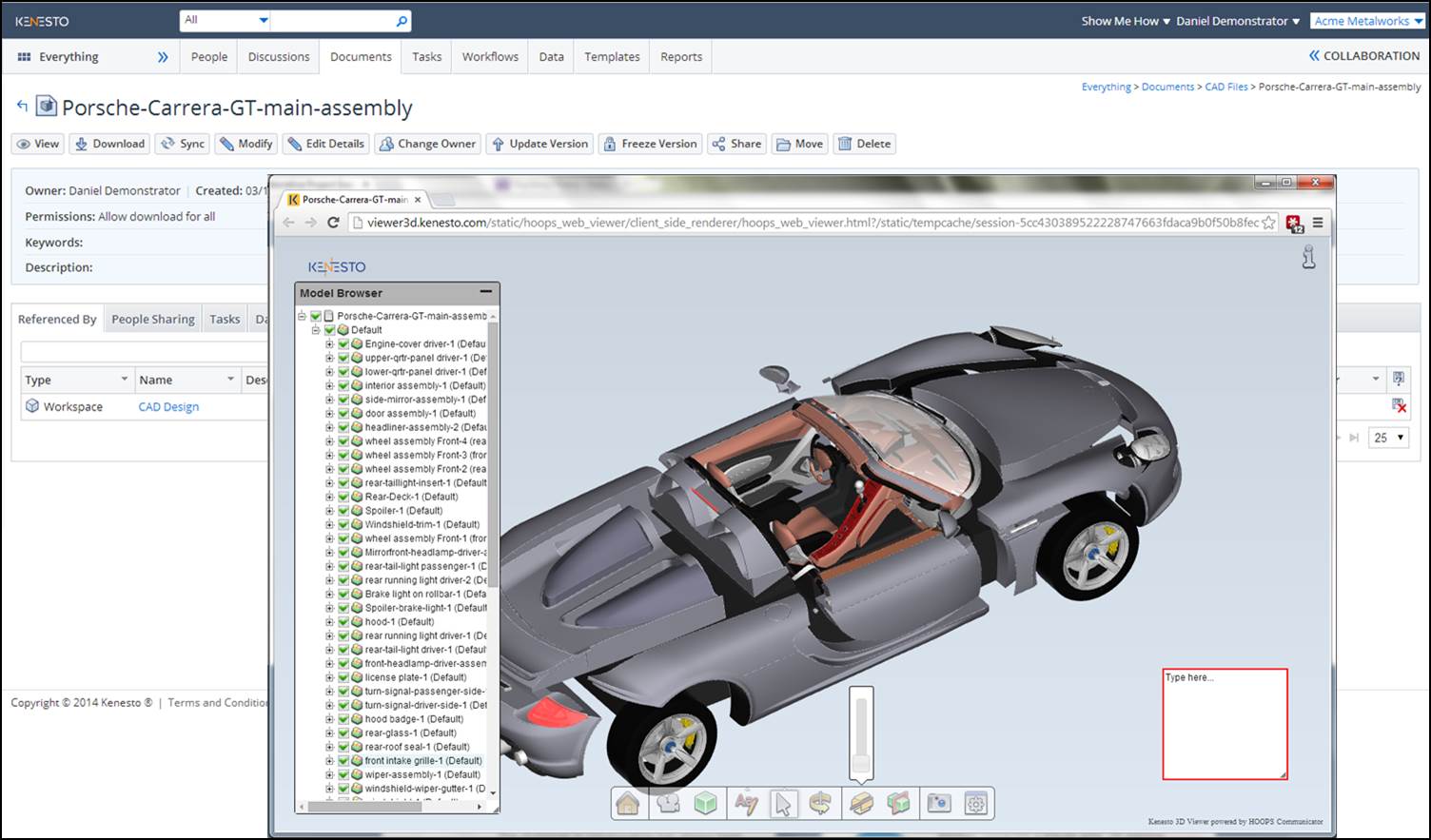
View more than 250 CAD and document file formats directly in your browser.
Browser-Based CAD & Document Viewing
View more than 250 CAD, Microsoft Office and other document formats directly in your browser. Measure and inspect designs without installing the native application, making it easier for engineering teams to review documents and collaborate.

File & folder sharing
Cloud Document Editing

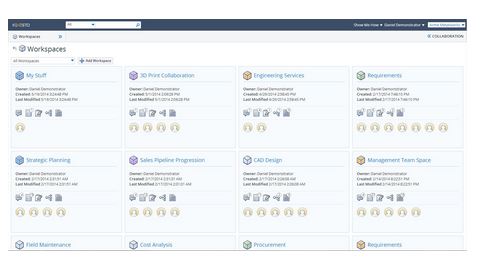
Create workspaces
Projects
Plan, organize, manage, share and execute on projects more effectively using projects.
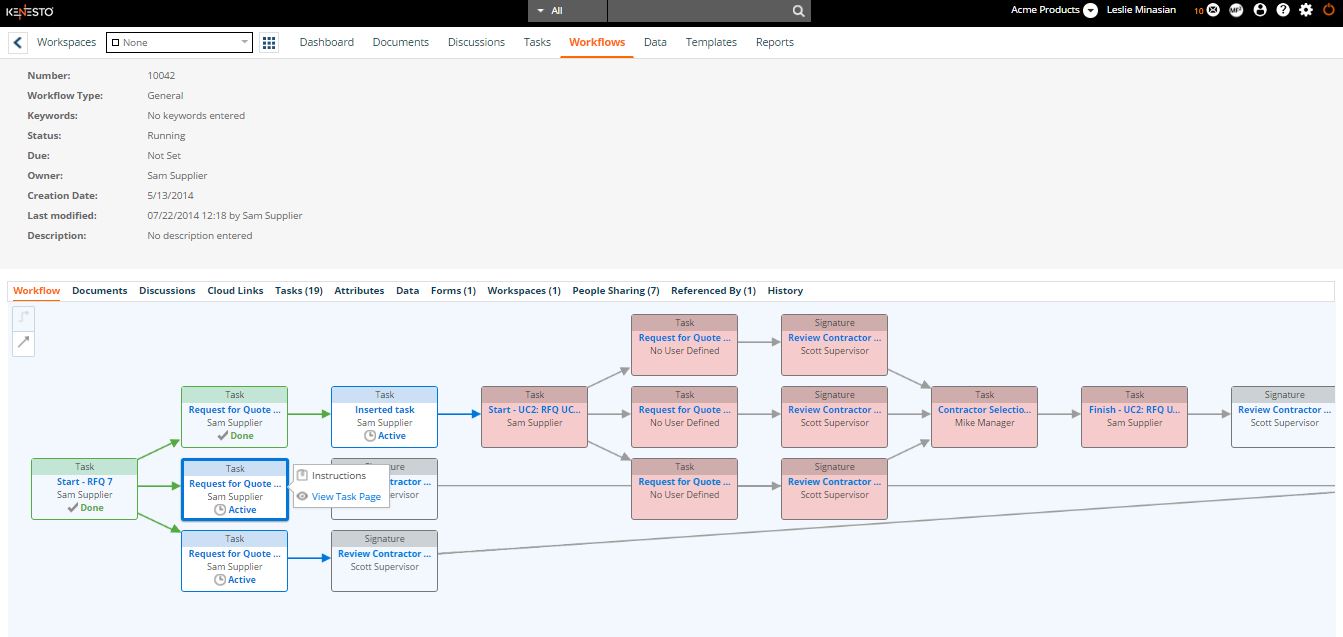
Flexible Workflow
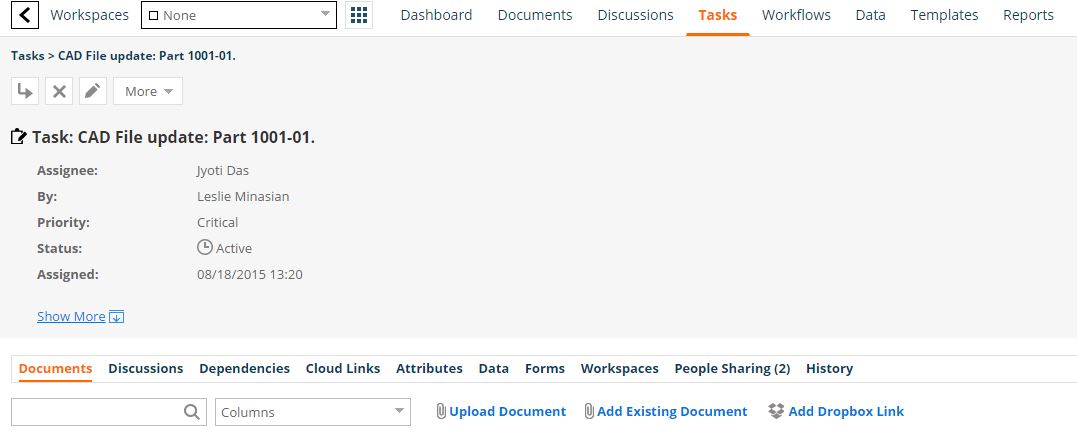
Task Management

Document access control
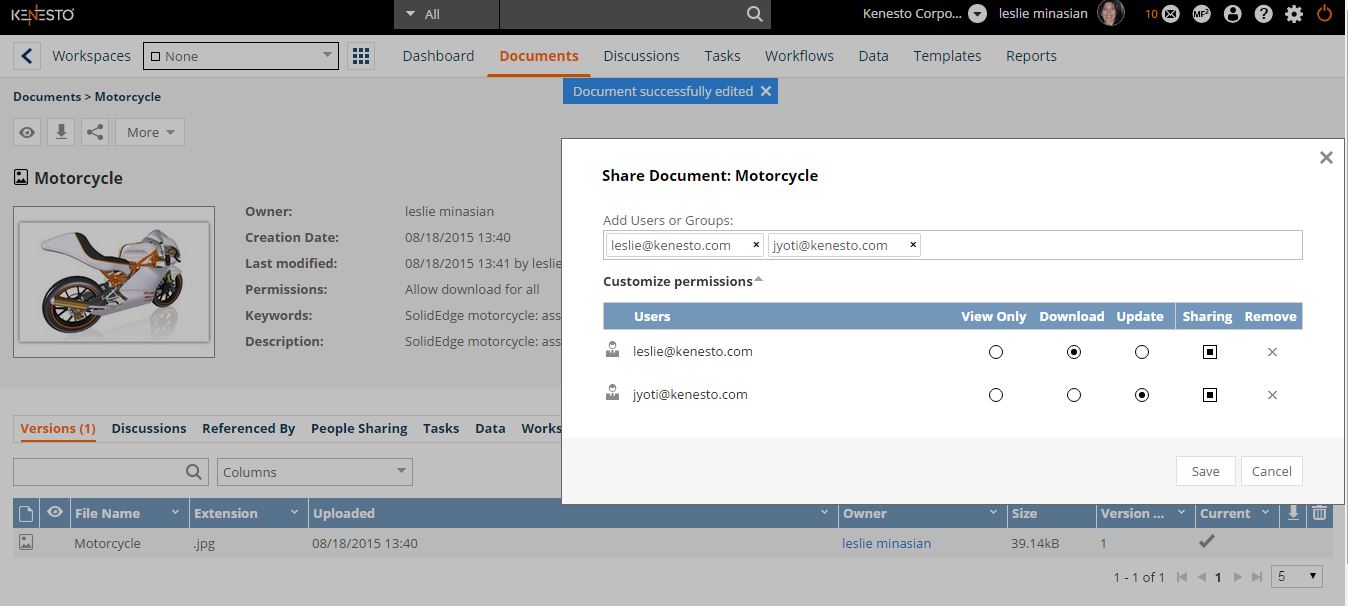
Granular Access

Virtual LAN drive in the cloud no VPN required
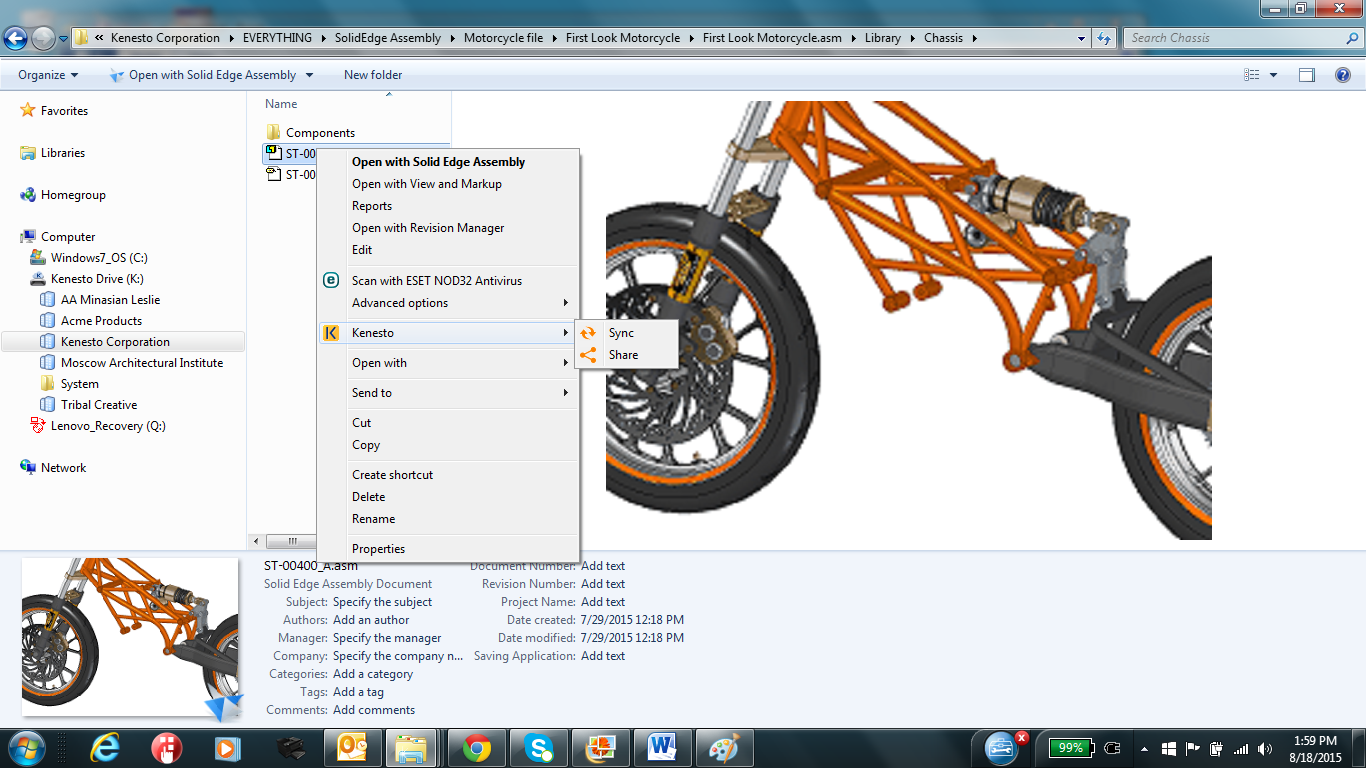
Kenesto Drive
Features such as automatically synchronizing shared documents, sharing directly from the drive, setting folders to perform vault functions such as check-in and check-out from the drive and version management from the drive are not found in other providers. Even if Kenesto Drive was designed with engineering teams in mind, anybody can use Kenesto Drive just easily as any shared network drive.